Tag: android

  • Do you know about the new pinch emoji?

    Do you know about the new pinch emoji?

    Sending emojis to convey a complete message without using a single word has emerged as a new trend in recent, millennial times. 

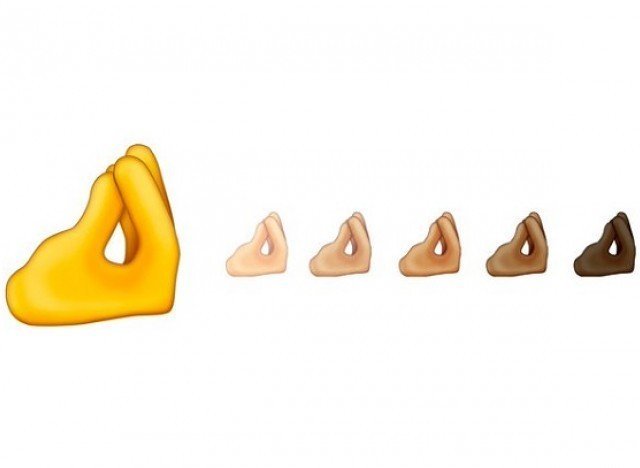
    Emoji 13.0 is the set of 117 new emojis that have been approved for release in 2020. Among them is the ‘pinch emoji’ gesture, designed to represent the Italian hand gesture ma che vuoi (or ‘finger purse’).

    The “What do you want?” pinched fingers emoji proposal was submitted by Y Adriano Farano, Jennifer 8. Lee and Theo Schear of Emojination to Unicode. The proposal explains the significance of this emoji. It is part of the Italian gestural expression which is now widespread in Mediterranean countries and according to research published by the New York Times, Italians use this gesture roughly 250 times a day.

    https://twitter.com/Giulio_Consult/status/1223014981668499457?s=20

    Not just Italians but many other cultures use the same pinched finger gesture to make a point, for example, one blogger mentions that this is an expression used for “just about everything”, and in Israel, it means “Wait a minute,” or “Hurry up” or “Relax.”

    The gesture is used by pinching your fingers against the thumb and moving your hand back and forth against your chest which translates to “What do you want?”

    Even Former Prime Minister Matteo Renzi of Italy, in 2015 was seen flaunting this gesture to give an impactful speech in the Italian Parliament. Hence it is not just an emoji but represents the Italian culture and celebrates their tradition.

    The proposal was accepted and we will soon be seeing this emoji in 2020.
  • How to manage ‘annoying’ cellphone notifications

    How to manage ‘annoying’ cellphone notifications

    Apps and websites regularly push alerts to your devices. Though they are sometimes useful, in most cases they are annoying and unwanted. Here’s what you do to get rid of this once and for all.

    Early Decision

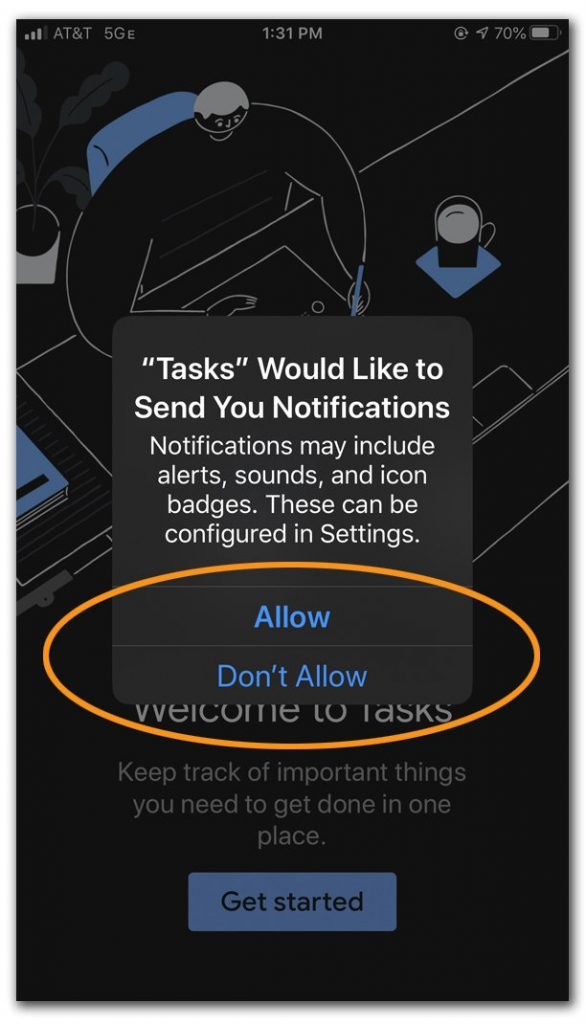
    The first time you open a newly downloaded app, it may ask for permission to send you notifications. You can say no. Alerts from apps like weather or local news media can be important but most e-commerce apps only send unnecessary coupon alerts in unlimited numbers. These notifications are not personalised and consequently, you feel like you’re running a grocery store.

    Opting out here does not mean you can never get those notifications. Later, if you decide you really want those alerts, you can always enable them in your system settings for notification alert. Here is how you can do it:

    Configure your smartphone settings

    For Android

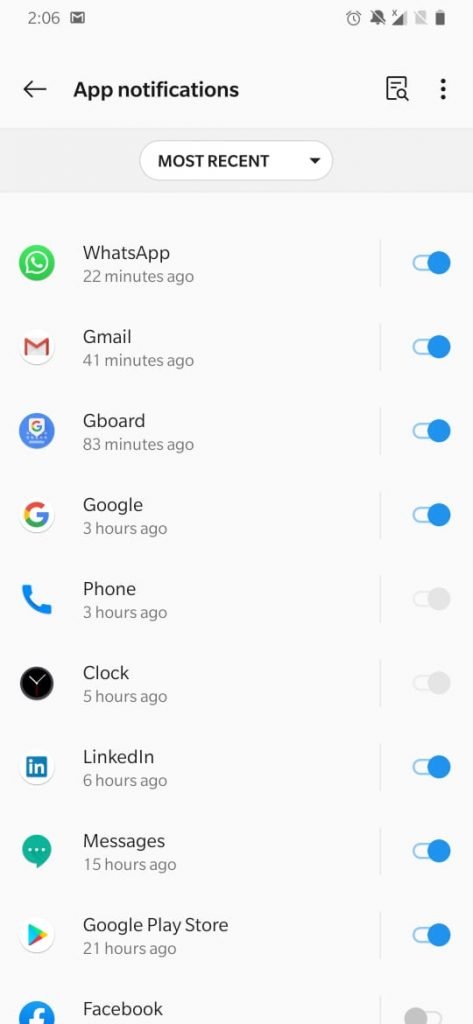
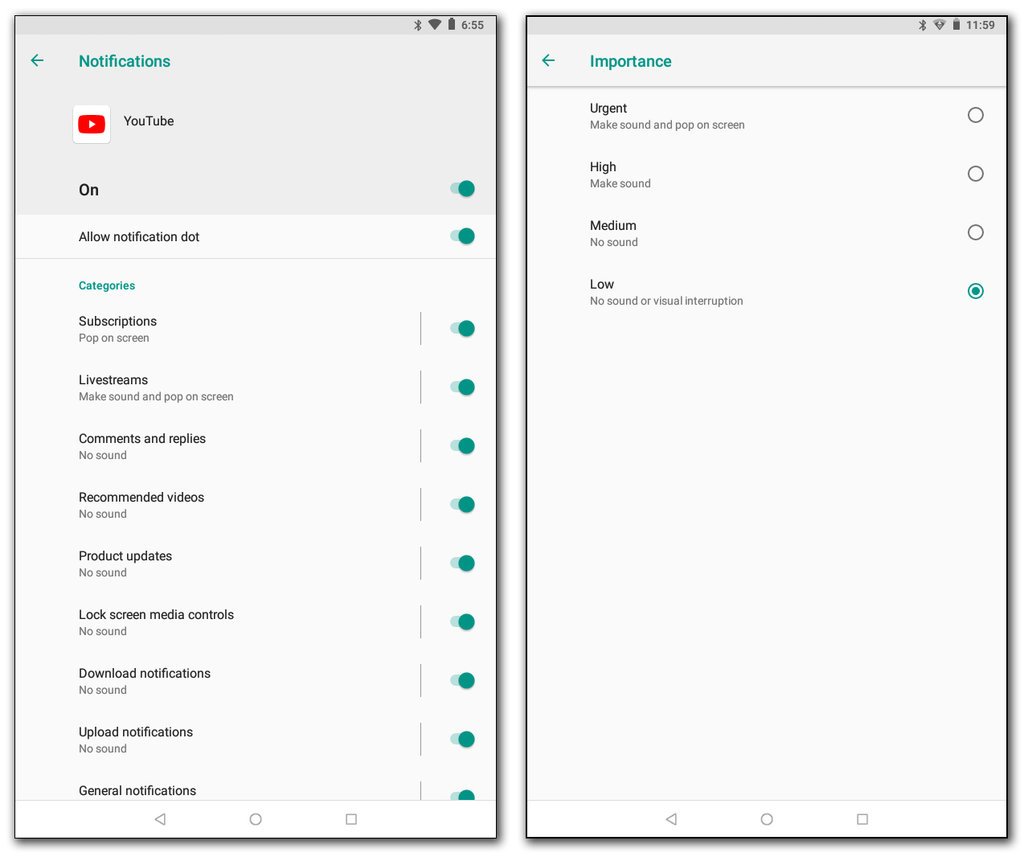
    Some apps may have notification controls in their own settings, but you can also manage alerts in your device’s Settings section. Just look for “Notifications” or “Apps & Notifications.” In the Notification settings, look for a list of apps and select the one you want to change.

    In some situations, a user wants more personalization so in that case, you can tweak your apps by further digging into the settings as shown below.

    For IOS Apple

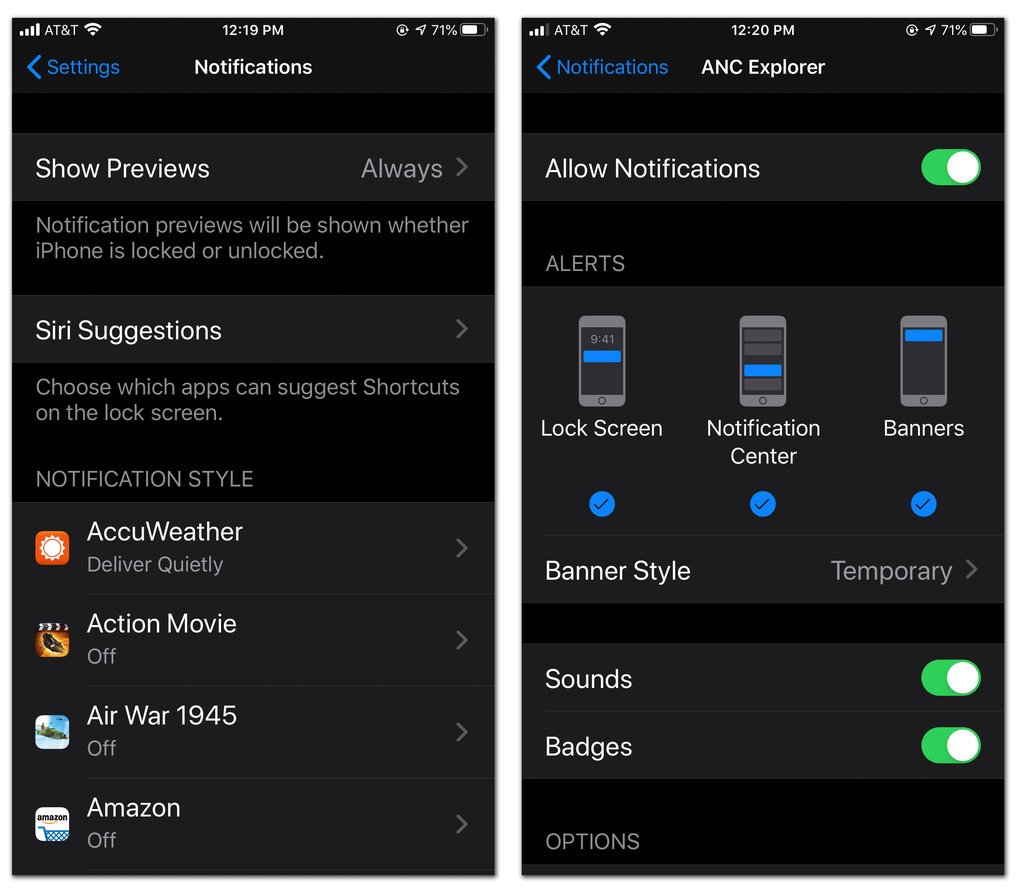
    In IOS 13 (mobile operating software for iPhone, tap the button at the top of an app’s settings screen to allow or disable notifications. If you decide to keep the notification on, you can adjust where and how it appears on your device. If you don’t want a banner alert popping up on the lock screen, you can downgrade it directly to the IOS Notification Center area so you can browse all your updates at once later on.

    By utilizing these settings, if not completely, then to a great extend your problem with notification bombardment would be curtailed.

  • WhatsApp will not operate on outdated smartphones, Here is why

    WhatsApp will not operate on outdated smartphones, Here is why

    Millions of Android and iPhone devices with an outdated operating system (Andriod or IOS) will no longer be able to run WhatsApp, the app owned by Facebook, BBC reported on Saturday. WhatsApp as saying the move is important to protect the security of its users. 

    Smartphones with Andriod version 2.3.7 and older, and iPhone IOS 8 and older, would be affected by the update, said the report. Most users would be able to update their operating systems in order to continue using the services of WhatsApp.

    “WhatsApp clearly had no option but to ensure its services remain secure; however it faces the difficult side-effect that the app is no longer compatible with older smartphones,” said CSS (tech research company) insight analyst Ben Wood.

    A spokesperson for the messaging platform said: “This was a tough decision for us to make, but the right one in order to give people better ways to keep in touch with friends, family, and loved ones using WhatsApp.”

    This is the latest in a series of moves after the app withdrew support for numerous devices in 2016, and then from all Windows phones on the last day of last year.