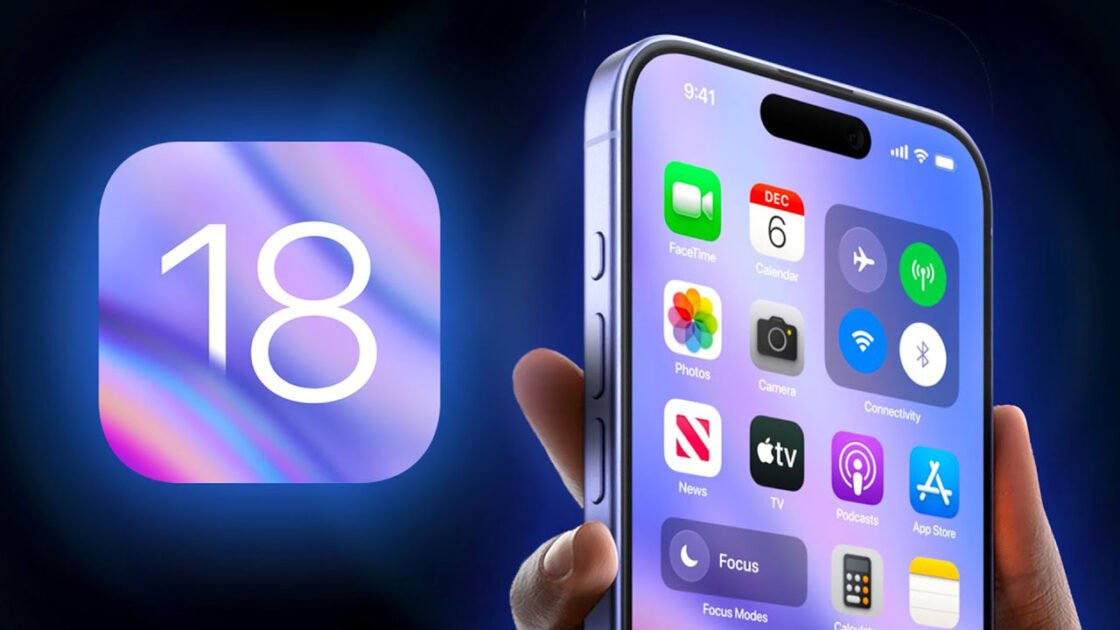
Apple has officially unveiled iOS 18, the latest significant update for the iPhone operating system, packed with new customisation options, a revamped Photos app, and much more.
One of the standout features of iOS 18 is the enhanced customisation tools for the Home Screen. Users can now apply Dark Mode to app icons and tint them with colours for a personalised appearance. Additionally, apps can be positioned freely anywhere on the Home Screen.
The Control Center has been completely redesigned and offers extensive customisation options through a new gallery. Developers can now integrate tools for their apps directly into the Control Center. Users can continuously swipe to navigate between different Control Center screens. Customisation options are also available for Lock Screen controls.
In the Messages app, tapbacks have been revamped, allowing users to react with any emoji. Messages can now be scheduled for later delivery, and text formatting options include bold, italics, underline, and strikethrough.
New text effects provide automatic suggestions to highlight words and phrases. Additionally, users can now send and receive messages via satellite connectivity.
The Mail app introduces automatic sorting of emails into categories to help prioritise messages. The Maps app now features topographical maps with detailed trail networks and hiking routes. In Wallet, the new Tap to Cash feature enables users to send money by simply holding iPhones together.
The Photos app has undergone a comprehensive redesign in iOS 18. The new unified view features a photo grid at the top that displays the entire library, with collections organised by theme below. Users can filter photos by Months and Years views, and a filter button allows for the hiding of screenshots and other sorting options.
Below the grid, users can browse Collections by topics such as Time, People, Memories, and Trips. The Recent Days section shows photos from the past few days, with automatic filtering of items like receipts.
The People and Pets section now groups photos of individuals and allows for reordering or pinning of collections. Swiping right from the grid reveals a new carousel with Featured Photos and other favourite collections, which automatically refreshes to display new images.
iOS 18 introduces app locking with authentication, hiding information from Search and Siri. It also offers a new method for connecting accessories more seamlessly.
RCS messaging support has been added, along with larger Home Screen icons and calendar integration in Reminders. Game Mode makes its debut on the iPhone, minimising background activity to maintain high frame rates and providing more responsive connections to AirPods and wireless game controllers.
The first developer beta of iOS 18 is available today, with a public beta set for release in July and a general public release in the autumn.