Tag: iOS update

  • iPhone users may be able to lock Messages, Photos in iOS 18

    iPhone users may be able to lock Messages, Photos in iOS 18

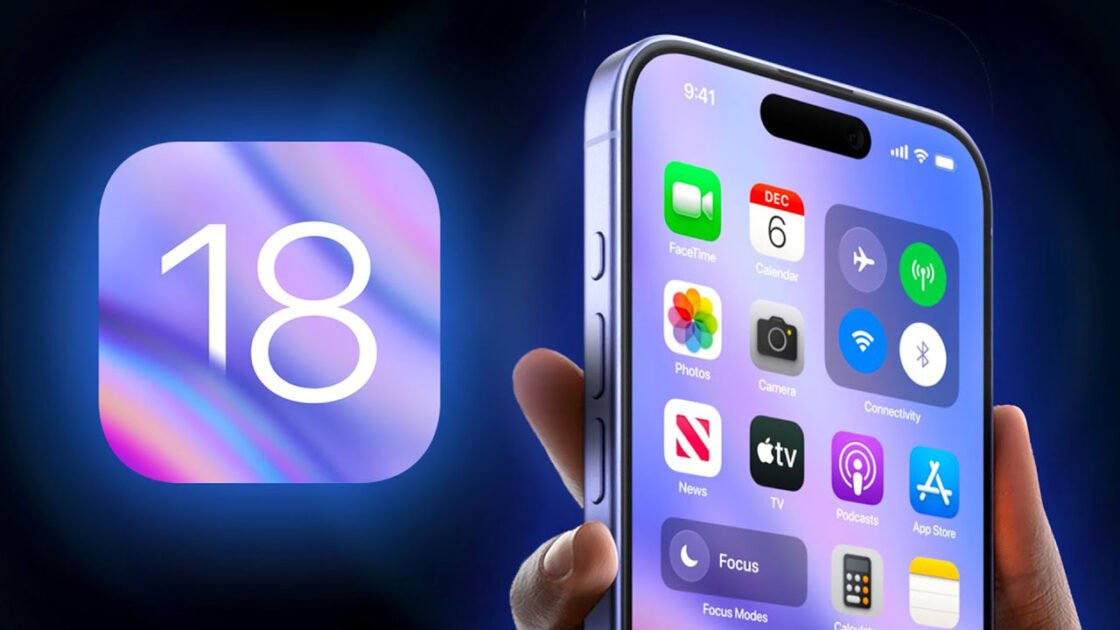
    The upcoming iOS 18 is anticipated to introduce a new security feature that allows users to lock individual apps, according to several sources familiar with the development.

    This feature is set to provide users with the ability to lock native iPhone apps such as Mail, Messages, Notes, Phone, Photos, Safari, and Settings, among others, thereby offering an additional layer of privacy and security.

    To unlock a locked app, users will need to authenticate via Face ID, and it is expected that Touch ID or an iPhone’s passcode will also be compatible with this feature.

    It remains unconfirmed whether this functionality will extend to third-party apps from the App Store.

    Currently, Apple permits certain content to be secured behind Face ID, Touch ID, or a passcode, such as notes in the Notes app and photos in the “Recently Deleted” and “Hidden” albums within the Photos app.

    The upcoming iOS 18 feature will expand this capability, allowing for entire apps to be locked, even when the iPhone itself is unlocked.

    iPhone users have previously resorted to using Screen Time or Shortcuts to lock apps, but these methods will become obsolete with the new iOS 18 functionality.

    Apple is set to unveil iOS 18 during its WWDC keynote on Monday. The initial iOS 18 beta is expected to be available to Apple Developer Program members immediately following the keynote, with a public release anticipated in September.

  • Apple warns of security flaw that lets hackers take full control of iPhones, iPads and MacBooks

    Apple warns of security flaw that lets hackers take full control of iPhones, iPads and MacBooks

    To protect against two security loopholes that might let hackers take full access to a user’s iPhone, iPad, or Mac, Apple owners have been warned to update their products immediately.

    Apple stated that there are solid reports suggesting that hackers have already been taking advantage of the flaws in both cases to attack users.

    According to Apple, one of the software flaws affects the kernel, the most core component of the operating system used by all devices. The other has an impact on WebKit, the engine that powers the Safari web browser.

    By accessing the settings menu on a mobile device or the “about this Mac” menu on a computer, users of macOS Monterey can get the update.

    According to experts, a hacker could gain “complete admin access to the device” and “run any code as if they were you, the user,” according to Apple’s explanation of the vulnerability.

    People “in the public spotlight,” such as activists or journalists, who could be the focus of sophisticated nation-state eavesdropping, should pay special attention to updating their software, according to Tobac.

    The vulnerabilities were previously categorised as “zero-day” issues since a fix had been made available for them for zero days prior to the fix’s release. Such flaws are extremely lucrative on the open market, and cyberweapon dealers will pay thousands or even millions of dollars for them.

  • Here’s why iOS 16 is going to be the finest upgrade ever

    Here’s why iOS 16 is going to be the finest upgrade ever

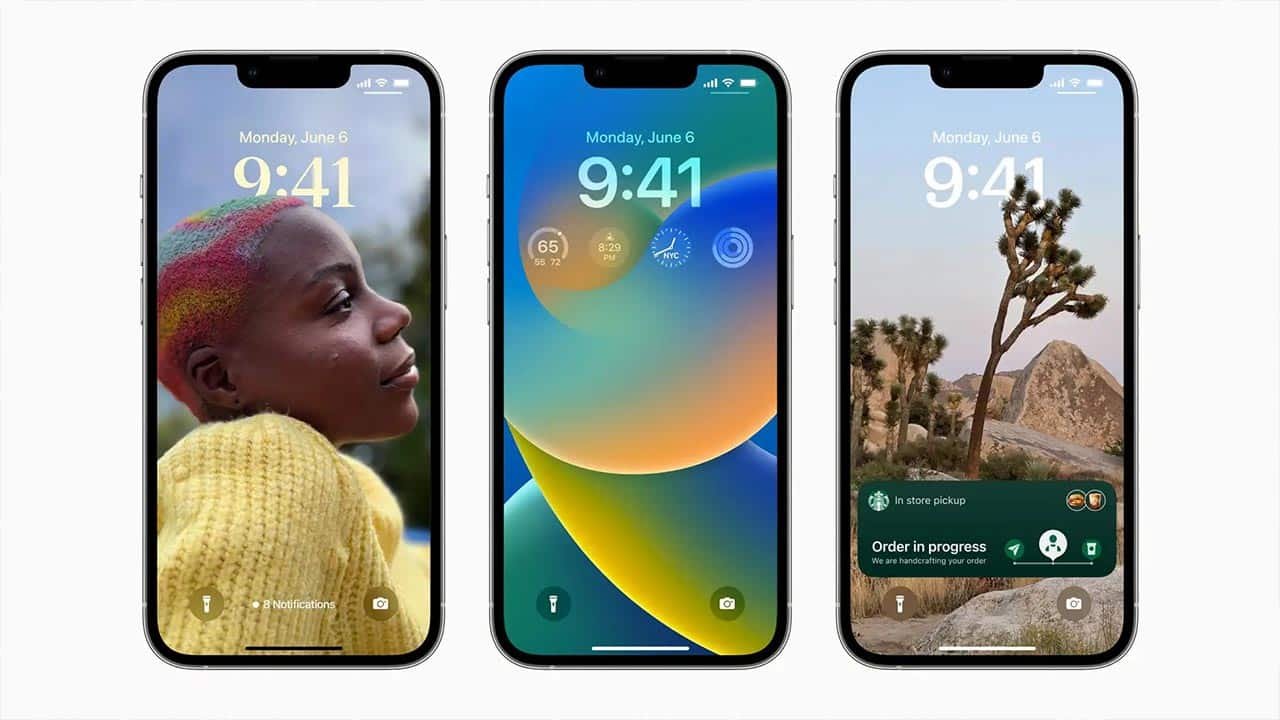
    On paper, Apple’s iOS 16, the iPhone’s next big software upgrade, appears to be innovative and super secure. iOS 16, which was previewed at Apple’s annual conference, would bring enhancements to communication, personalisation, and privacy. This contains significant upgrades to the lock screen, Messages app, and photos on your iPhone.

    The developer beta for iOS 16 is already available, with a public beta version expected in July. iOS 16 will be released this fall, most likely alongside the much-anticipated iPhone 14. The new software is also compatible with iPhone 8 and subsequent models.

    “Embarrassing errors are a thing of the past,” Apple Senior Vice President of Software Engineering Craig Federighi said as he unveiled three of the Messages app’s most requested additions.

    For starters, you’ll be able to edit sent texts in iOS 16. So, if you find a typo after sending a message, you’ll be able to correct it later. In the message’s status, a small “edited” shows.

    Next, and perhaps the best feature, you can recall a sent message right away. If you mistakenly send an incomplete message, you can utilise the Undo Send feature to prevent it from being read, making your friends and family think you’re crazy.

    Finally, you may flag unread messages and threads. When you don’t have time to answer a message right away but want to make sure you don’t forget about it later, this could be a useful tool.

    The lock screen is one of the first things you see when you open your iPhone, especially if it has Face ID. The iPhone’s lock screen receives the most significant improvement yet with iOS 16. To edit your lock screen, press and hold. You can swipe through a variety of different styles.

    Each design alters the background photo’s colour filter as well as the typeface on the lock screen, ensuring that everything is in sync. This appears to be Apple’s response to Google’s Material You, which debuted with Android 12.

    You can also change the typefaces for the time and date, as well as add lock screen widgets like a calendar, temperature, and activity rings. On the Apple Watch lock screen, the widgets are similar to complications.

    You can also create many personalised lock screens with various widgets and switch between them with a simple swipe. There’s even a photo-shuffle feature that changes the photographs on your lock screen automatically.

    An always-on display was one feature we thought Apple would provide. It’s a feature found on practically all Android phones, as well as the Apple Watch. There’s a chance it’ll be released alongside the iPhone 14.

    As alerts might sometimes obscure the photo on your lock screen, iOS 16 pushes notifications to the bottom of your screen. Instead of being gathered into a list, they show as a vertical carousel as you receive them. This not only looks better, but it should also make one-handed use of your iPhone much easier.

    Another issue with notifications is addressed in iOS 16. You may receive a series of notifications from one app in a sequence, such as the score of a basketball game. Instead of experiencing a succession of interruptions, a new tool for developers called Live Activities makes it easy to remain on top of things happening in real-time from your lock screen.

    Sporting events, workouts, and even the progress of an Uber ride should be easier to monitor with Live Activities.

    Visual Look Up in iOS 15 analyses photographs and can recognise objects such as flora, landmarks, and pets. This is taken to the next level with iOS 16. You may remove a photo’s subject. Interestingly, It’s just a tap-and-hold tool for removing the background from a photo.

    Safety Check is a programme that tries to assist people who are in violent relationships. It’s a new service that is designed to assist those who are in violent situations. It allows you to check and change who has access to your iPhone’s location information, passwords, messages, and other apps.

    Several changes have been made to the focus mode. The first uses widgets and lock screen appearance to apply Focus behaviours. So you could have one lock screen for when Work Focus is turned on and another for when you’re working out.

    Moreover, Apple has added Focus filters to apps that apply your iPhone’s Focus mode. For example, depending on which Focus mode is active, you can limit which tabs are displayed in Safari.
  • WhatsApp is cutting support for two iPhones

    WhatsApp is cutting support for two iPhones

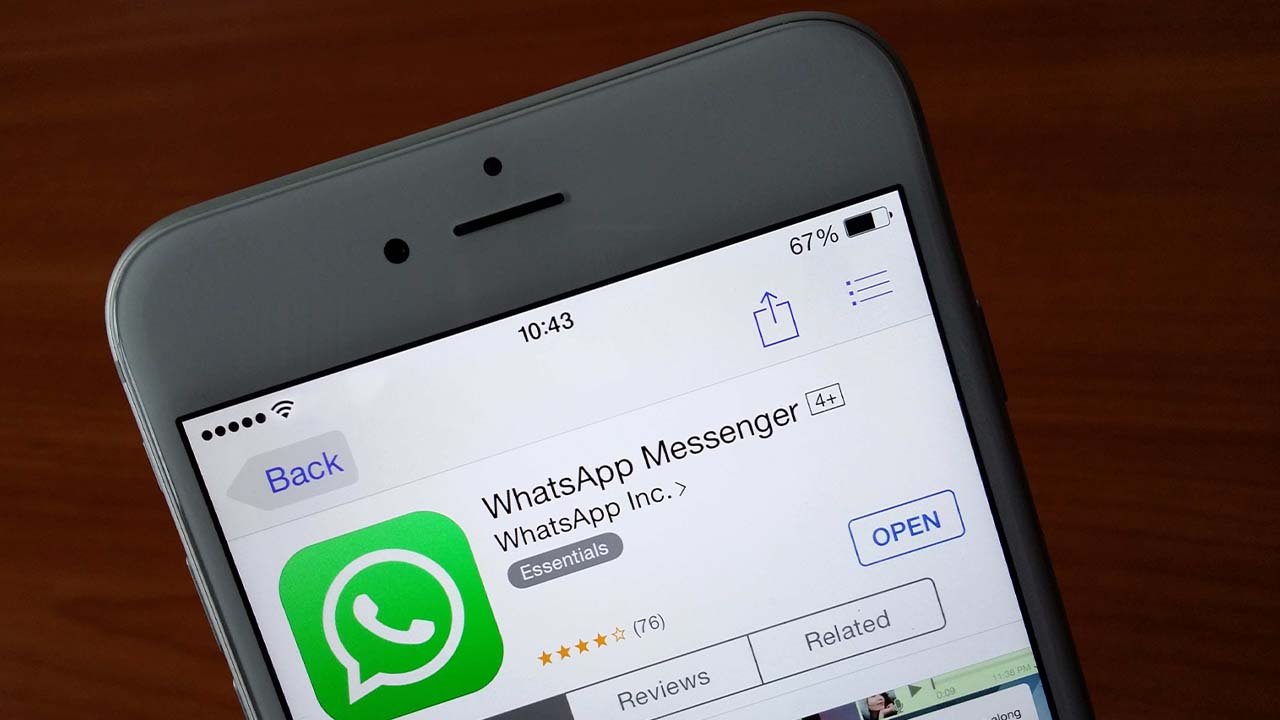
    The meta-owned messaging platform, WhatsApp announced that it will stop functioning on some outdated iPhones in its new update. The company announced that it would stop supporting iOS 10 and iOS 11 devices later this year.

    WhatsApp has begun notifying iPhone users running iOS 10 or iOS 11 that they must update their devices in order to continue using WhatsApp beyond October 24. The iPhone 5 and iPhone 5c are the only two devices in the series which will no longer support WhatsApp after October 24.

    “After October 24, 2022, WhatsApp will no longer support this version of iOS”. To get the newest iOS version, navigate to Settings > General > Software Update,” the notification says.

    WhatsApp will continue to work for iPhone 5s and iPhone 6 users for the time being, and they will be alerted if their iPhones cease running the Meta-owned instant messaging app.

    The app already states on its Help Center page that iPhone users must be running iOS 12 or above to continue using the application. WhatsApp requires Android 4.1 or newer for Android users.

    The tech giant, Apple is anticipated to unveil iOS 16 at WWDC 2022 next month, and it will be released later this year, possibly around the time the iPhone 14 series is released.