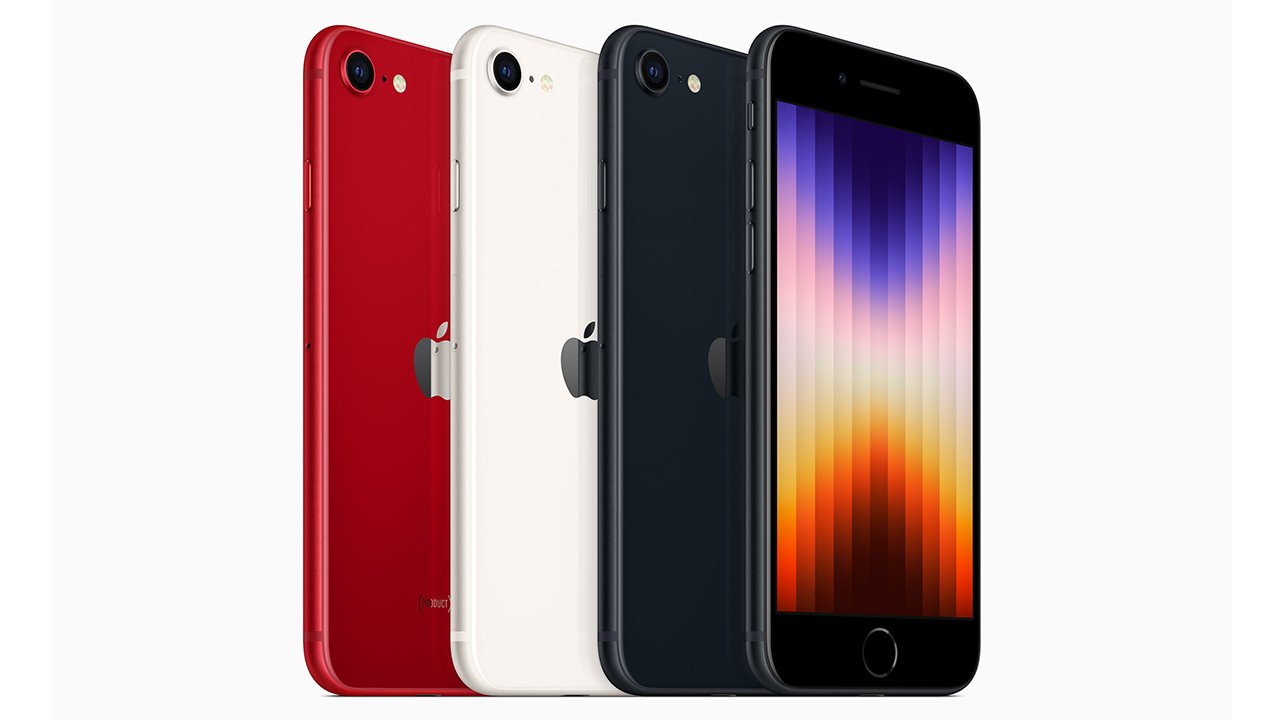
Tag: iphone 7 plus

  • Payouts approved for iPhone owners who alleged that Apple intentionally slowed down older models

    Payouts approved for iPhone owners who alleged that Apple intentionally slowed down older models

    iPhone owners who were participants in a class action lawsuit against Apple, claiming that the company intentionally reduced the speed of their older iPhones to encourage them to upgrade to the latest model, are finally on the verge of receiving their compensation. Recently, a judge has given the green light for the payment process to proceed, as stated in a report from SiliconValley.com last week.

    The settlement obtained preliminary approval in March 2020. Although the opportunity to be included in the settlement has since expired, approximately 3 million claims were submitted, according to information from SiliconValley.com. These individuals are now anticipating the arrival of their $65 checks, over three years after the initial settlement.

    The distribution of payments faced delays due to objections raised by two iPhone owners who disagreed with certain aspects of the settlement. However, these objectors have now lost their appeal in the 9th US Circuit Court of Appeals, as detailed in the report.

    Apple encountered this lawsuit after confessing in 2017 that its iOS software intentionally slowed down the performance of older iPhones. During that period, the technology giant issued an apology, updated its software, and also offered replacement batteries.
  • Apple to release iOS 16 tomorrow, is your iPhone compatible?

    Apple to release iOS 16 tomorrow, is your iPhone compatible?

    On September 12, the majority of regions are likely to receive Apple’s newest iOS 16. All compatible devices will be able to update to the most advanced and intelligent operating system created by the Cupertino-based tech giant.

    A deeper intelligence, brand-new tools for personalization, and improved sharing and communication capabilities are all part of iOS 16’s enhancements to the iPhone.

    Compatible iPhones

    These iPhones are compatible with iOS 16:

    iPhone 14, iPhone 14 Plus, iPhone 14 Pro, iPhone 14 Pro Max

    iPhone 13, iPhone 13 mini, iPhone 13 Pro, iPhone 13 Pro Max

    iPhone 12, iPhone 12 mini, iPhone 12 Pro, iPhone 12 Pro Max

    iPhone 11, iPhone 11 Pro, iPhone 11 Pro Max

    iPhone XS, iPhone XS Max

    iPhone X, iPhone XR

    iPhone 8, iPhone 8 Plus

    iPhone SE (2nd generation or later)

    Whats new?

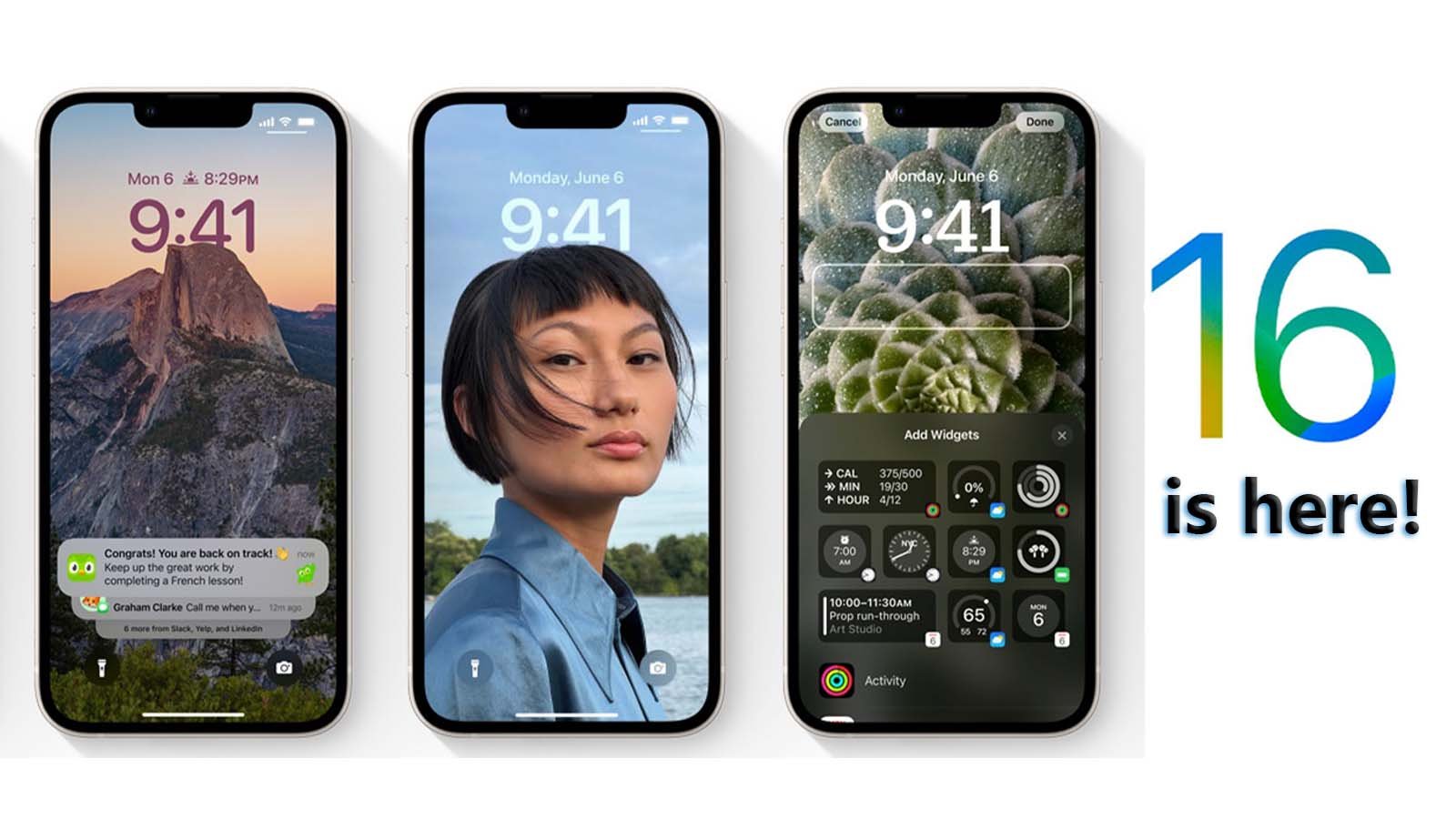
    • With iOS 16, you can now simply switch between various Lock Screens, each with a different background and aesthetic. For ideas, explore a gallery of wallpapers with suggested images and thematic collections.
    • Make your iPhone unique with brand-new ways to customise the Lock Screen. Highlight favourite images, alter font styles, and put up a few widgets to access information quickly.
    • View notifications in a concealed view, stacked view, or extended list view on the lock screen. Additionally, alerts are hidden by appearing at the bottom of the screen.
    • You can now make changes to a recently sent message or decide not to send it at all. Additionally, if you are unable to react right away but want to do so later, you can mark a message as unread.
    • The Home app has been completely redesigned to be even more effective and dependable. Utilize the newly designed Home tab to navigate all of your smart home accessories. You can now access the necessary accessories with just a tap thanks to new sections for climate, lights, security, and more. Additionally, a multicamera view places your smart home cameras in the spotlight.
    • Real-time transcription of audio into text makes it simpler to follow conversations and news.

    How to update to iOS 16?

    Make sure your device is plugged in and connected to the Internet with Wi-Fi. Then follow these steps:

    Go to Settings > General > Software Update.

    You may see software update options available. You can choose to stay on iOS and still get important security updates.

    To update to iOS 16 click on the patch available and tap Install Now.