Every autumn, Apple enthusiasts eagerly anticipate the company’s annual iPhone launch event. This year, on Tuesday, September 12, Apple is expected to unveil its latest offerings, including the highly anticipated iPhone 15, iPhone 15 Plus, iPhone 15 Pro, and iPhone 15 Pro Max. However, the excitement doesn’t end with the hardware announcements; the real magic lies in the new software that will accompany these devices.
But here’s the kicker – the joy of the new software won’t be limited to just the latest models. Apple is extending its digital embrace to a range of current iPhones, specifically those from the iPhone Xs onward. The question on everyone’s mind is, when can we get our hands on this exciting new software, and how can we make the most of it without spending a dime?
The iOS 17 update brings a plethora of features and enhancements that promise to elevate the iPhone experience. Let’s take a closer look at some of the highlights:
1. Customised Calling: Ever wished you could personalise what people see when you call them? With iOS 17, you can do just that, adding a touch of flair to your phone conversations.
2. Live Stickers: Unleash your creativity with Live Stickers, crafted from your photo library. Express yourself in new and exciting ways during chats and messages.
3. StandBy Mode: Charging your iPhone? Say hello to StandBy, a full-screen experience that keeps you engaged while you wait. It’s a game-changer for those moments when your device needs some juice.
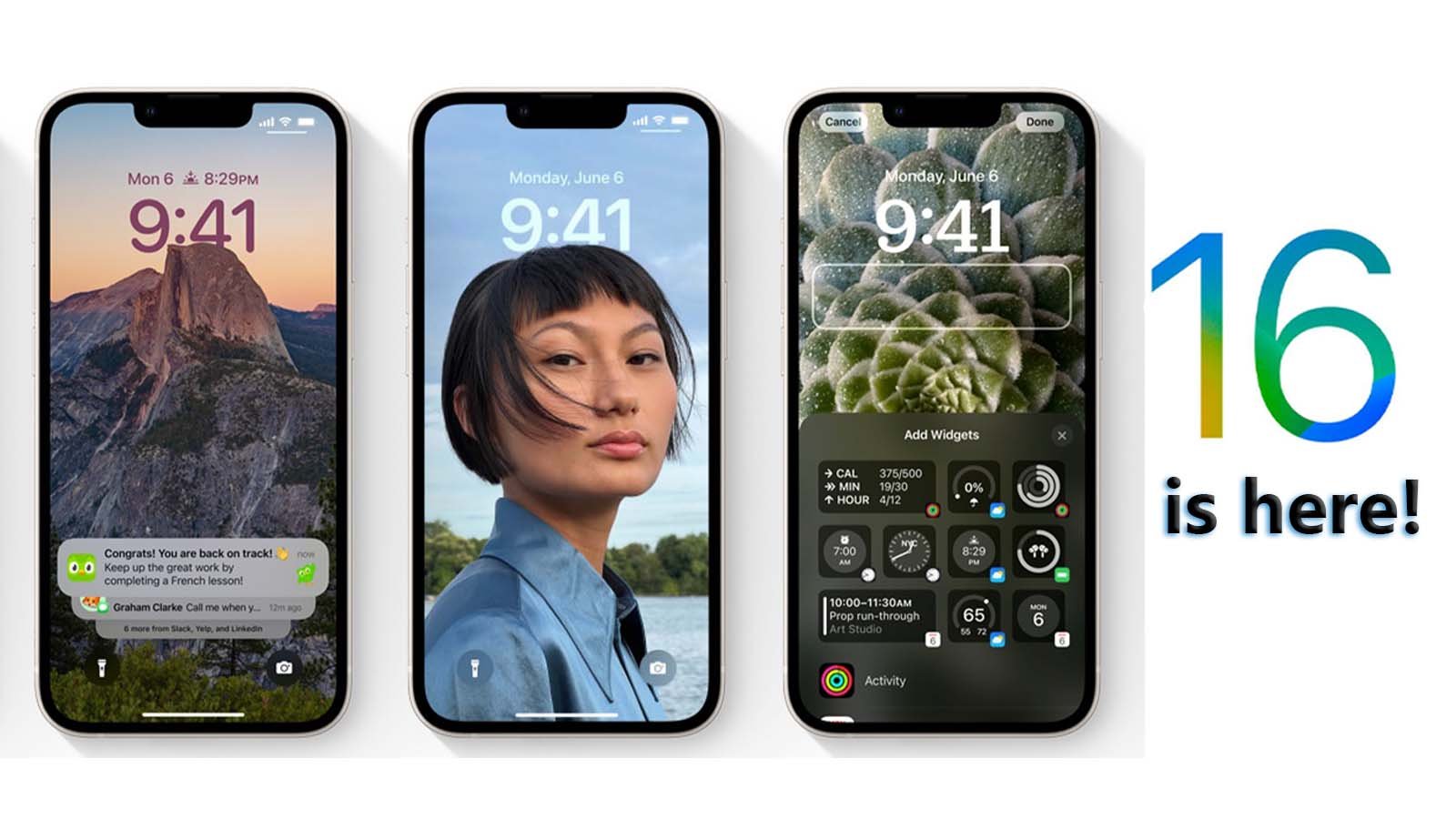
4. Enhanced Widgets: Widgets are getting even better. Expect more customisation options and increased functionality to streamline your daily tasks.
5. NameDrop: Swapping contact details has never been simpler. NameDrop allows you to effortlessly exchange numbers with others, making networking a breeze.
6. Improved Autocorrect: Autocorrect is stepping up its game. Not only will it correct your typos, but it can even learn your unique way of expressing yourself, including the occasional swear word.
7. Offline Maps: Heading to places with limited connectivity? iOS 17 has got you covered with downloadable offline maps, ensuring you won’t get lost even when you’re off the grid.
These are just a few of the exciting features that iOS 17 has in store. The sheer breadth of improvements and innovations is enough to make your head spin.
Currently, iOS 17 is in its beta testing phase, with two different versions available – one for developers and one for the general public. Developer betas have been in circulation since June, shortly after the software was announced at the Worldwide Developers Conference (WWDC). As of now, iOS 17 has reached beta 8, indicating that Apple is fine-tuning this software to ensure a seamless user experience.
Apple’s iOS 17 update is poised to bring a wave of excitement and enhanced functionality to iPhone users, both old and new. With a wide range of innovative features and improvements, it’s a testament to Apple’s commitment to providing cutting-edge technology to its loyal user base. As we await the official release, the countdown to experiencing iOS 17’s wonders begins.