Tag: software update

  • iOS 17 update is here: Try these fun features today 

    iOS 17 update is here: Try these fun features today 

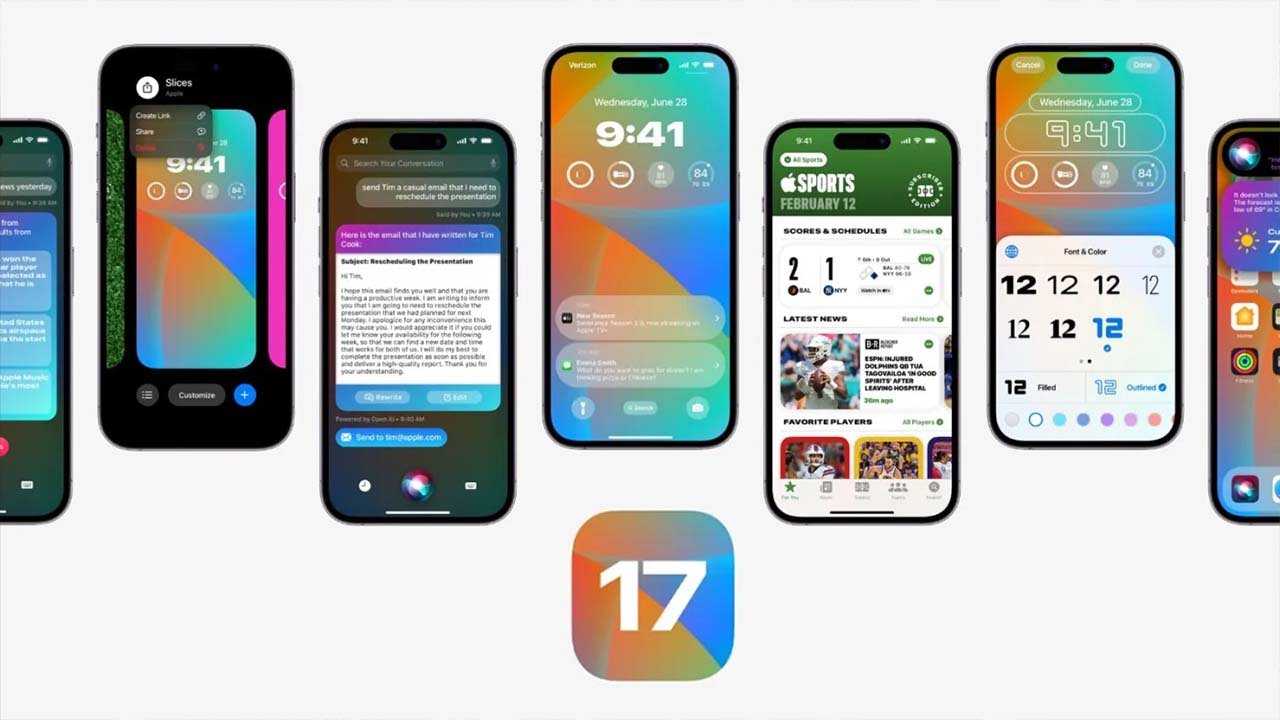
    In June, Apple unveiled its latest iOS update, iOS 17, packed with a multitude of enhancements and changes for the iPhone. Following an extensive three-month beta testing period, this highly anticipated software update is set to hit iPhones, specifically those iPhone XS or newer, on Monday, 18th September. 

    Here, we present an overview of the ten standout features that iOS 17 brings to the iPhone, along with a glimpse of additional forthcoming features. To get your hands on this update, keep an eye out for its release on Monday, accessible via your iPhone’s Settings app under General > Software Update. 

    1. StandBy: Glanceable charging screen 

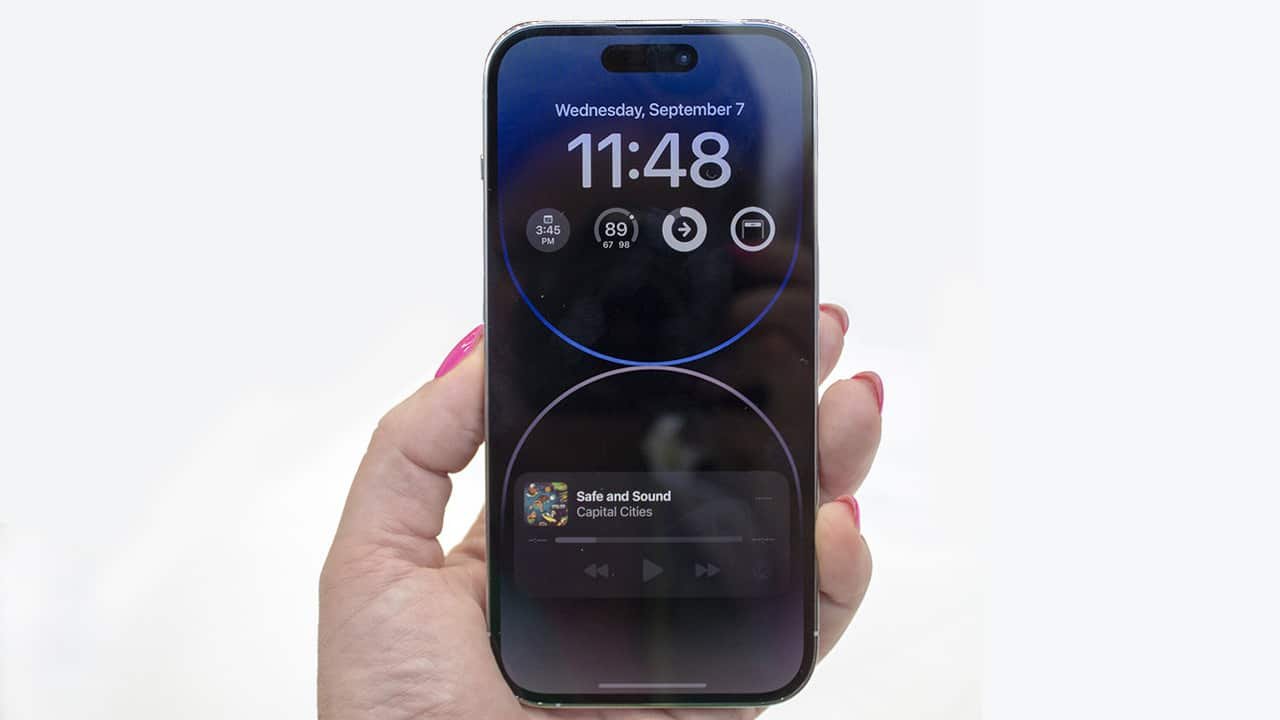
    Apple introduces StandBy, a new full-screen view tailored for iPhones during charging, especially when placed on a nightstand, kitchen counter, or desk. It features customizable elements like clock styles, calendars, photos, weather forecasts, music controls, widgets, and more. This feature supports Live Activities, Siri, incoming calls, and larger notifications, and is compatible with the iPhone 14 Pro’s always-on display. 

    2. Personalised contact poster 

    iOS 17 empowers users to craft a personalised Contact Poster, visible when they receive an incoming call on someone else’s iPhone. This poster can showcase photos or Memojis, and users can personalise the font and background colours. The feature is accessible in the built-in Phone app and will extend to third-party calling apps. 

    3. NameDrop: Seamless contact sharing 

    NameDrop simplifies contact sharing by allowing users to exchange phone numbers or email addresses by merely bringing their iPhones close together. Additionally, Contact Posters can be shared during this process. 

    4. Live voicemail with real-time transcription 

    Live Voicemail offers real-time transcription on the screen as callers leave voicemails. Users can choose to answer calls while the message is being recorded. Notably, spam calls identified by carriers are instantly declined and not transcribed. 

    5. Inline replies in Messages app 

    In the Messages app, iOS 17 enables users to swipe right on any message for an inline reply, streamlining the conversation experience. 

    6. Interactive widgets for enhanced functionality 

    Interactive widgets are now available across the Home Screen, Lock Screen, and the new StandBy view. These widgets allow actions like marking reminders as completed, controlling media playback, and managing Home app accessories. As third-party apps adopt this feature, the possibilities will expand. 

    7. Advanced language model for word prediction 

    iOS 17 introduces a cutting-edge language model for word prediction, significantly improving autocorrection on iPhones. Users receive inline text recommendations as they type, facilitating quick word or sentence additions by tapping the space bar. 

    8. Enhanced Autocorrection design 

    Autocorrection in iOS 17 briefly underlines corrected words, simplifying the process of reverting changes. The system adapts to users’ typing habits over time, preventing some corrections for a smoother typing experience. 

    9. Offline maps in Apple Maps 

    Apple Maps now matches Google Maps with the ability to download maps for offline use. This feature permits turn-by-turn navigation, estimated arrival times, and finding locations without needing a cellular or Wi-Fi connection. 

    10. Stickers drawer for easy access 

    A new stickers drawer in iOS 17 provides convenient access to all stickers, including Live Stickers, emojis, Memojis, and iMessage sticker packs. Live Stickers can be created by touching and holding objects in photos. 

    11. Effortless Siri activation 

    Apple has simplified Siri activation across various Apple devices, including iPhones, iPads, Macs, HomePods, and AirPods Pro. Now, instead of saying “Hey Siri,” users can simply say “Siri” to activate the voice assistant and issue multiple consecutive commands without repeating “Siri.” 

    With these exciting features, iOS 17 promises an enhanced and efficient iPhone experience, addressing user needs and preferences. 
  • Urgent security alert: Apple users must update to iOS 16.6.1 immediately

    Urgent security alert: Apple users must update to iOS 16.6.1 immediately

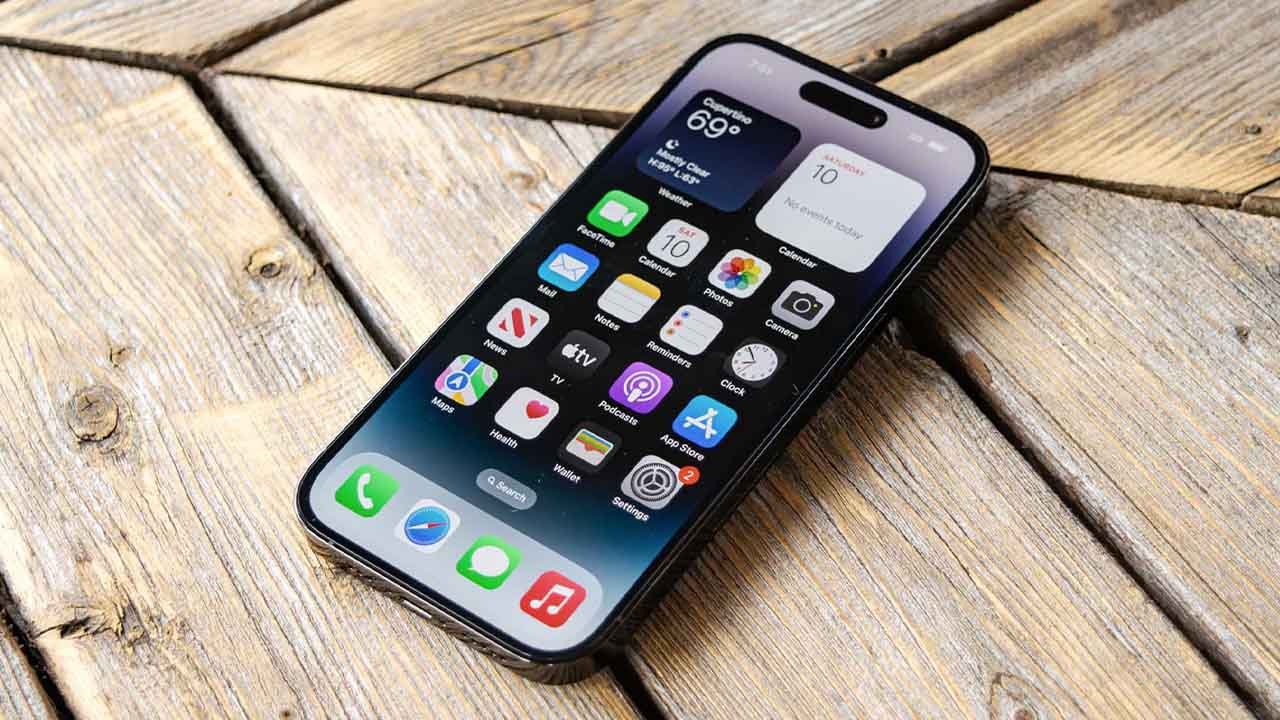
    Are you in possession of an iPhone or iPad? It is imperative that you promptly initiate the update process for your Apple devices.

    Apple has issued an urgent advisory, urging users to install iOS 16.6.1 or iPadOS 16.6.1 without delay.

    This essential update addresses critical security vulnerabilities, as per Apple’s warning, which have the potential to be exploited, endangering the security of iPhones and iPads. In the words of the company: “The processing of a maliciously crafted image may result in arbitrary code execution.”

    Furthermore, Apple acknowledges the existence of a report suggesting that this issue may already have been actively exploited.

    This cautionary notice underscores the possibility that malicious actors may have already begun exploiting these security weaknesses.

    The vulnerabilities in question encompass one within the ImageIO framework, responsible for handling various image file formats and accessing image metadata, and another within the Wallet system.

    It is of utmost importance to act swiftly to safeguard your device and personal data.

  • Apple’s iOS 17 unveiled: A sneak peek at the game-changing features

    Apple’s iOS 17 unveiled: A sneak peek at the game-changing features

    Every autumn, Apple enthusiasts eagerly anticipate the company’s annual iPhone launch event. This year, on Tuesday, September 12, Apple is expected to unveil its latest offerings, including the highly anticipated iPhone 15, iPhone 15 Plus, iPhone 15 Pro, and iPhone 15 Pro Max. However, the excitement doesn’t end with the hardware announcements; the real magic lies in the new software that will accompany these devices.

    But here’s the kicker – the joy of the new software won’t be limited to just the latest models. Apple is extending its digital embrace to a range of current iPhones, specifically those from the iPhone Xs onward. The question on everyone’s mind is, when can we get our hands on this exciting new software, and how can we make the most of it without spending a dime?

    The iOS 17 update brings a plethora of features and enhancements that promise to elevate the iPhone experience. Let’s take a closer look at some of the highlights:

    1. Customised Calling: Ever wished you could personalise what people see when you call them? With iOS 17, you can do just that, adding a touch of flair to your phone conversations.

    2. Live Stickers: Unleash your creativity with Live Stickers, crafted from your photo library. Express yourself in new and exciting ways during chats and messages.

    3. StandBy Mode: Charging your iPhone? Say hello to StandBy, a full-screen experience that keeps you engaged while you wait. It’s a game-changer for those moments when your device needs some juice.

    4. Enhanced Widgets: Widgets are getting even better. Expect more customisation options and increased functionality to streamline your daily tasks.

    5. NameDrop: Swapping contact details has never been simpler. NameDrop allows you to effortlessly exchange numbers with others, making networking a breeze.

    6. Improved Autocorrect: Autocorrect is stepping up its game. Not only will it correct your typos, but it can even learn your unique way of expressing yourself, including the occasional swear word.

    7. Offline Maps: Heading to places with limited connectivity? iOS 17 has got you covered with downloadable offline maps, ensuring you won’t get lost even when you’re off the grid.

    These are just a few of the exciting features that iOS 17 has in store. The sheer breadth of improvements and innovations is enough to make your head spin.

    Currently, iOS 17 is in its beta testing phase, with two different versions available – one for developers and one for the general public. Developer betas have been in circulation since June, shortly after the software was announced at the Worldwide Developers Conference (WWDC). As of now, iOS 17 has reached beta 8, indicating that Apple is fine-tuning this software to ensure a seamless user experience.

    Apple’s iOS 17 update is poised to bring a wave of excitement and enhanced functionality to iPhone users, both old and new. With a wide range of innovative features and improvements, it’s a testament to Apple’s commitment to providing cutting-edge technology to its loyal user base. As we await the official release, the countdown to experiencing iOS 17’s wonders begins.

  • iOS 17 leak: Customisable Lock Screen and revamped Control Center to be featured in new update

    iOS 17 leak: Customisable Lock Screen and revamped Control Center to be featured in new update

    As the date for Apple’s WWDC23 event draws near, speculation about what to expect from the company’s upcoming software releases is growing. While little has been confirmed, it is widely anticipated that iOS will take centre stage once again, with iOS 17 making its debut alongside updates for iPadOS and macOS.

    Setsuna Digital, a source that has accurately leaked information in the past, has recently shared some early insights into iOS 17 via Weibo. It is important to note, however, that while the information may be accurate at present, software plans are fluid and subject to change.

    According to Setsuna Digital, iOS 17 will feature some minor but interesting updates. For instance, there will be changes to the flashlight toggle, allowing for more granular control over brightness. Users will also enjoy more options for customising the Lock Screen, including font size and the use of emoji wallpaper, as well as the ability to share custom configurations.

    There will also be changes to Apple Music, with the app moving towards a more graphics-led interface and the possible addition of on-screen lyrics on the Lock Screen. Finally, it seems likely that users will be able to customise and organise the App Library.

    While some had predicted a major overhaul of the operating system, the company’s focus on developing a mixed-reality headset may mean that iOS 17 will instead focus on quality-of-life improvements. One such change could be the introduction of sideloading, which would allow users to install apps outside of the App Store.

    Another potential change is a revamped Control Center, which has been a staple feature for iPhone users for several years. While the details of any updates are unknown at present, even small changes such as the ability to customise shortcuts would be welcome.

    Until Apple officially announces its plans, however, it remains to be seen what iOS 17 will actually entail.

  • Here are old models that Samsung will update soon

    Here are old models that Samsung will update soon

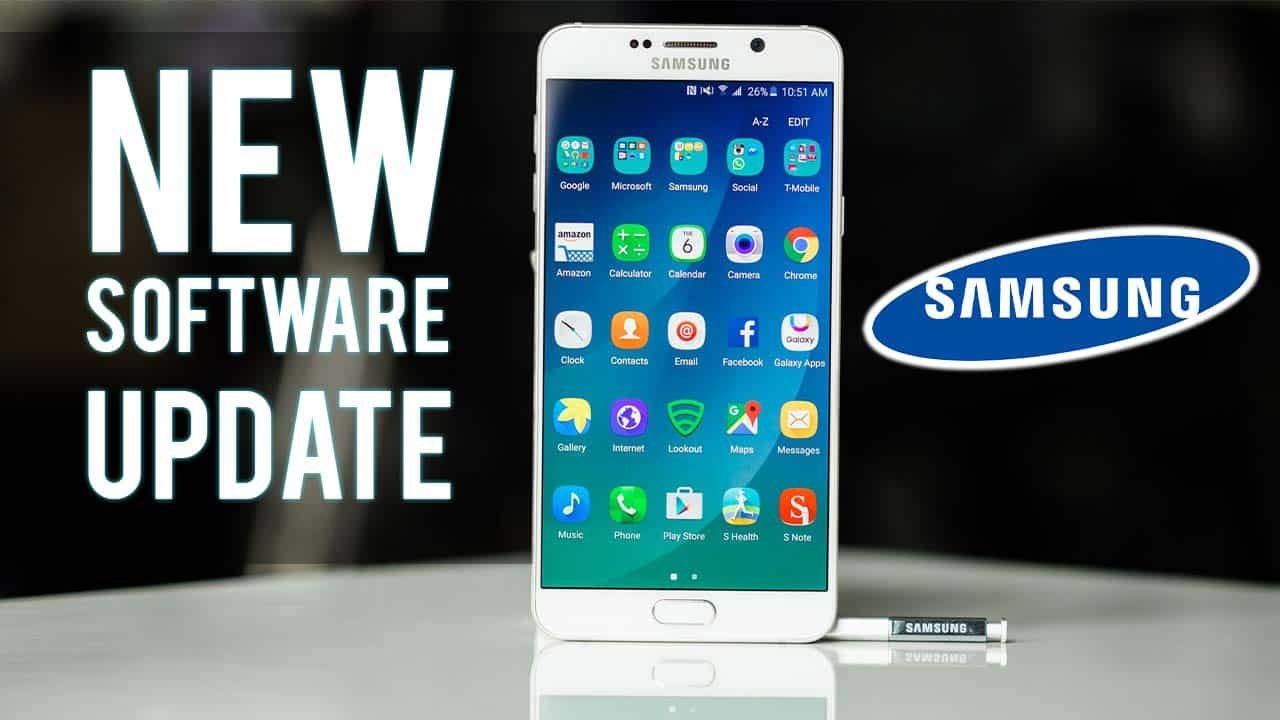
    Samsung is fixing several outdated Galaxy models through a performance and bug-fix update patch. Some models that were discontinued almost 7 years ago will also benefit from this update.  

    The update has been seen on Galaxy S6 and S6 edge devices purchased from various network operators in a number of regions.

    These old Samsung models are expected to receive a software update soon:

    • Samsung Galaxy S6
    • Samsung Galaxy S6 Edge
    • Samsung Galaxy S6 Edge plus
    • Samsung Galaxy S7
    • Samsung Galaxy S7 Edge
    • Samsung Galaxy S8
    • Samsung Galaxy S8 Plus
    • Samsung Galaxy S9
    • Samsung Galaxy S9 Plus
    • Samsung Galaxy Note 8
    • Samsung Note 9

    All S6 models, including carrier and unlocked models as well as international models, are anticipated to be included in the next update. You can manually search for updates if you don’t see any notifications.

    The update may not mention a GPS repair as it did with the Galaxy S8. The only performance enhancements and bug fixes are mentioned in the change log.

    In comparison to the S8’s 420MB upgrade, it is also a lot smaller update, weighing in at about 13MB. It goes without saying that neither a new Android version nor a new security patch is included.

    The Samsung Galaxy A40 is significantly more current, having only been released in 2019, but its four years of guaranteed security fixes are already about to expire.

    The A40 was using the July patch and is now updating with a 280MB update to the September 1.

    The phone is currently updated every three months, thus the gap is to be expected. However, it might switch to a biannual schedule when it reaches 4 in March 2019.

  • Apple fixes iMessage and FaceTime bugs in iPhone 14 series with new iOS update

    Apple fixes iMessage and FaceTime bugs in iPhone 14 series with new iOS update

    Many purchasers were excited to get their hands on the new Apple iPhone 14 series when it was released. However, the new gadgets also include a major iOS upgrade, which implies that there are some issues.

    The Cupertino-based company has now released a new support document in which it notifies purchasers about the troubles that the new iPhone 14 series is experiencing. According to the brand’s support manual, the latest 2022 iPhone models have various issues with popular basic apps such as FaceTime and iMessage. Furthermore, the business noted that both of these apps are affected by more than one problem.

    One of the problems, it appears, makes receiving texts and phone calls difficult. Another notable issue is that when sending a text, green chat bubbles appear instead of blue chat bubbles. Other issues include people receiving messages from the wrong profile and conversations in Messages, which appear as two separate threads.

    Read more: iPhone 13 Pro Max Vs. iPhone 14 Pro Max comparison: Everything you need to know

    However, the majority of these issues have been resolved with the iOS 16.0.1 update, which has been rolled out for all iPhones that are eligible for the current software version. So, once you have your hands on a fresh new iPhone 14 series, it’s recommended that you update it right away during the first setup procedure. If it doesn’t work, go to Settings > General > Software Update.

  • ‘Not a software update, a special chip has been inserted’: Faisal Vawda on Tareen group’s split

    ‘Not a software update, a special chip has been inserted’: Faisal Vawda on Tareen group’s split

    Pakistan Tehreek-e-Insaf (PTI) leader Faisal Vawda, while taking at a jibe at the recent split in the Pro-Tareen group, took to Twitter and tweeted, “This is not a software update, but a special chip has been created and inserted to a specific section.”

    https://twitter.com/FaisalVawdaPTI/status/1423224794116509698

    Faisal also hit upon PTI MNA Raja Riaz, who is also a member of the PTI faction saying, “Another such chip is ready for Raja Ji [Raja Riaz] as well. It just needs to be installed.”

    Faisal’s comment’s come as a reply to PTI’s MNA Amir Dogar, who while speaking on Geo News programme, ‘Capital Talk’ said that there has been a “group-wide software update” and that Nazir Chohan has “found his way back”.

    Yesterday, Punjab MPA Nazir Chohan, a loyalist of PTI stalwart Jahangir Khan Tareen (JKT), quit Tareen’s PTI faction, saying “Jahangir Tareen used him.”

    Earlier in May,  Faisal Vawda downplayed the significance of the leaders who supported JKT, saying they can be handled by a station house officer (SHO) alone.

    Faisal Vawda criticised Jahangir Tareen on a talk show on ARY News, ‘Off The Record’, saying, “There is no doubt that Jahangir Khan Tareen is an intelligent and successful person. But he is not Imran Khan, for sure.”